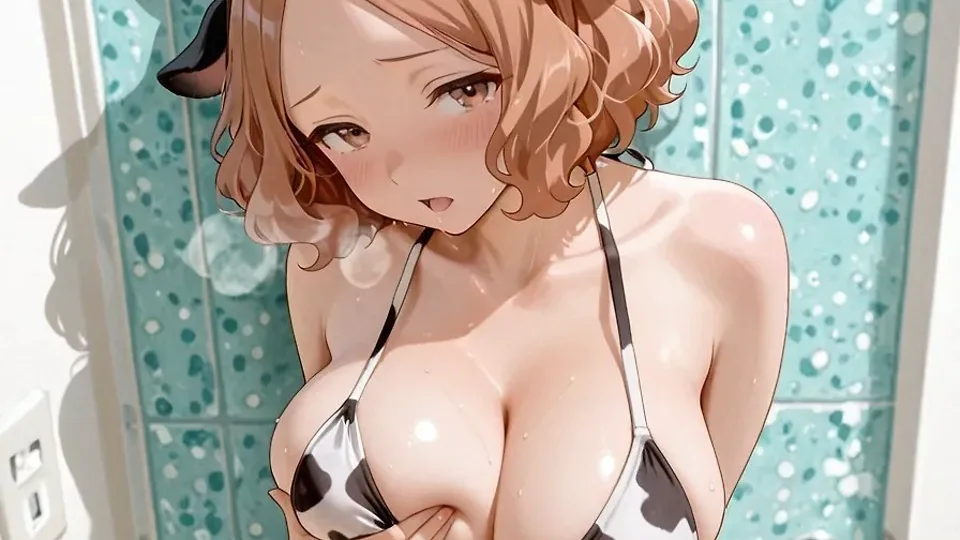
How AI-Generated Anime Art Actually Works (And How to Start Making Your Own)
Every anime character on WaifuTopia was generated, not drawn frame-by-frame by a human artist. That surprises people less than it used to, but the actual mechanics -- how a text prompt turns into a fully rendered character, and how that character starts moving -- are still fairly opaque to most people who just see the finished clip. Here's how it actually works, and how to start experimenting yourself.
It starts with a diffusion model, not a drawing
The tools behind AI anime art (Stable Diffusion and its many anime-tuned variants) don't paint the way a human does, stroke by stroke. They start from pure random noise and gradually remove that noise over a series of steps, nudged at each step toward whatever the text prompt describes. Run the same prompt with a different random seed and you get a different image -- same description, different "roll of the dice" on the noise it started from.
What makes anime output look distinctly anime rather than generic digital art is the checkpoint: a version of the model fine-tuned on a huge dataset of anime and manga-style art specifically. General-purpose models like base Stable Diffusion can technically draw anime characters, but anime-specific checkpoints (trained further on booru-tagged datasets) are dramatically better at consistent line art, cel shading, and character proportions.
Prompts read more like tags than sentences
If you've only used something like Midjourney, anime generation prompting will look strange at first -- it's not written in natural language. It's written as a list of comma-separated tags, borrowed directly from the tagging convention used on anime image boards:
1girl, silver hair, twintails, blue eyes, school uniform, looking at viewer, outdoors, cherry blossoms
Order and specificity both matter. Tags earlier in the prompt generally carry more weight, and stacking precise tags (hair length, hair color, eye color, expression, pose, clothing, setting, lighting) gives the model far more to work with than a vague description would. Most people also use a negative prompt -- a second list of tags describing what to avoid (extra fingers, blurry, bad anatomy, watermark) -- since it's often easier to steer the model away from known failure modes than to prevent them purely through the positive prompt.
Consistency comes from LoRAs, not luck
A single prompt won't reliably produce the same character twice. That's where LoRAs (Low-Rank Adaptation models) come in -- small, targeted files trained on a specific character, art style, or outfit, layered on top of a base checkpoint. A character LoRA lets you generate that same character consistently across dozens of different poses, outfits, and scenes, instead of getting a new face every time. Style LoRAs work the same way but target an art style rather than a specific character.
The workflow tool matters more than people expect
Plenty of people start with simpler, single-page interfaces, but node-based tools like ComfyUI are what most serious anime-generation workflows actually run on. Instead of a fixed set of sliders, you build the generation pipeline yourself out of connected nodes -- load a checkpoint, load a LoRA, sample, upscale, post-process -- which matters because anime workflows frequently chain multiple stages together: a base generation, a face-detailer pass to fix a distant or awkward face, an upscale pass, sometimes a second img2img pass to refine detail. A single flat pipeline can't easily do that; a node graph can.
From still images to video
Video is the newer, harder problem. Two approaches dominate right now:
- Text-to-video (T2V) -- describe the whole scene and motion from scratch, no starting image.
- Image-to-video (I2V) -- start from an already-generated still (so the character's appearance is locked in) and have the model animate motion from there.
I2V is generally the more practical route for character-driven content: you get full control over exactly how the character looks via image generation, then hand that off to a video model (workflows built on models like Wan2.2 are common right now) purely to handle motion. The trade-off is generation time and VRAM -- video models are dramatically heavier than image models, and a few seconds of clean motion can take real compute to render even on a capable GPU.
If you want to try it yourself
The realistic starting point: install ComfyUI locally, grab an anime-tuned checkpoint, and spend time on stills before touching video at all -- good prompting and a character LoRA will matter more to how your final videos look than any video-specific setting. Once stills are consistent, image-to-video is a much smaller jump than starting with text-to-video cold.
Every video on WaifuTopia went through some version of this pipeline. If you're curious what the output looks like end to end, that's what the feed is for.