Anime Checkpoint Models Compared: Which Base Model Should You Start With?
What a checkpoint actually is
A checkpoint is the base model doing the actual image generation -- everything else (LoRAs, prompts, upscalers) works on top of it. Different checkpoints are trained or fine-tuned on different datasets, which is why the exact same prompt can look meaningfully different depending on which checkpoint generated it: different line-art style, different default proportions, different color/lighting tendencies.
Broad style categories
Most anime checkpoints fall loosely into a few visual families:
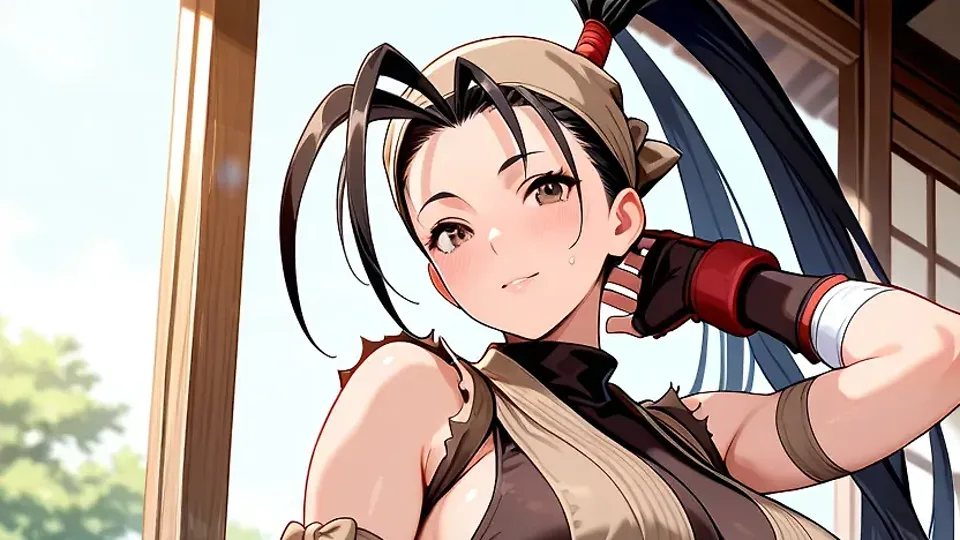
- Flat, cel-shaded / classic anime style -- clean line art, flat color blocks, closest to traditional TV/manga art.
- Painterly / soft-shaded -- softer gradients and lighting, less flat, more illustration-like.
- Semi-realistic -- anime-influenced proportions and faces blended with more realistic lighting and rendering.
None of these is objectively "better" -- it's a style decision, and the right checkpoint depends entirely on which visual family matches what you're trying to make.
Architecture generation matters for practical reasons
Beyond visual style, checkpoints are also built on different underlying architecture generations, which affects native resolution, VRAM requirements, and -- importantly -- which LoRAs and extensions are compatible with it. A LoRA trained for one architecture generation generally won't work correctly on a checkpoint from a different one. This is a practical, not just aesthetic, factor: check what a given checkpoint is built on and what has been trained against it before committing.
How to actually evaluate a checkpoint before committing
- Look at sample grids, not just hero images: a handful of cherry-picked showcase images tell you much less than a grid of varied prompts.
- Check hand and anatomy consistency specifically: this is where quality differences between checkpoints show up fastest.
- Test with your own actual prompts, not the creator's demo prompts: a checkpoint can look great on the exact prompt it was showcased with and behave completely differently on yours.
- Check community-reported LoRA compatibility: a checkpoint you'll be layering LoRAs onto needs an ecosystem of LoRAs actually trained for it.
Resist checkpoint-hopping
It's tempting to chase every new checkpoint release, but each one has its own quirks -- prompt phrasing that works well on one can behave unpredictably on another. Sticking with one solid checkpoint long enough to actually learn its behavior (what it does well, where it needs extra negative-prompt help, how it responds to weighting) will get you better results faster than constantly restarting that learning process on something new. Switch when you have a concrete reason to, not just because something newer exists.